Free Preview
KN Creative Academy Lab Suite
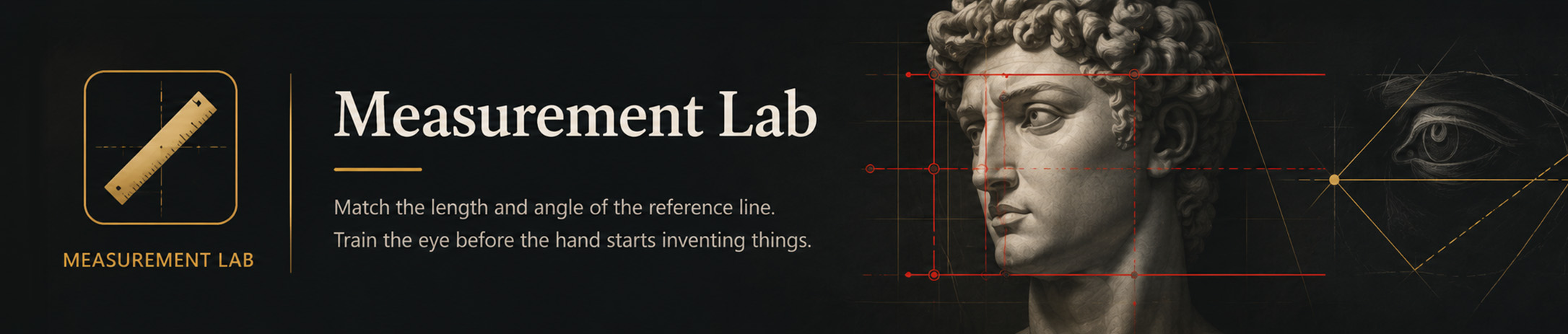
Measurement Lab
Match the length and angle of the reference line. Train the eye before the hand starts inventing things.
Overall
—
Current challenge
Loading…
Draw the matching line on the blank panel.
Reference
The line appears here
Your drawing
Click/touch and drag one line
Placement
—
Length
—
Angle
—
Overall
—
Lab Instructions
- Study the reference line and identify its starting point, ending point and direction.
- Click or touch and drag to recreate the line in the drawing area.
- Release the pointer when the length, angle and placement feel correct.
- Check the result and compare which part of the measurement caused the largest error.
- Repeat the exercise, concentrating on one relationship at a time.
Lab note: Accuracy scores can vary with image scale, pointer control, browser zoom and screen size. Use the results as a drawing-training guide rather than an exact physical measurement. Read about Lab use and limitations
Teaching point Accuracy improves through comparison. Judge the relationship between the endpoints, angle and surrounding landmarks rather than guessing an isolated length.
Explore the Measurement Lab Preview
Try a selection of the Lab’s tools and exercises before unlocking complete access.
Lab access
Selected measurement exercises and core controls.
Features
Some advanced features, exercises and references remain locked.
Updates
Preview access only.
Learning support
Independent preview; Academy lessons, exercises and forums are not included.
All Labs are also included with an active KN Creative Academy membership.