
Free Preview
Colour Lab
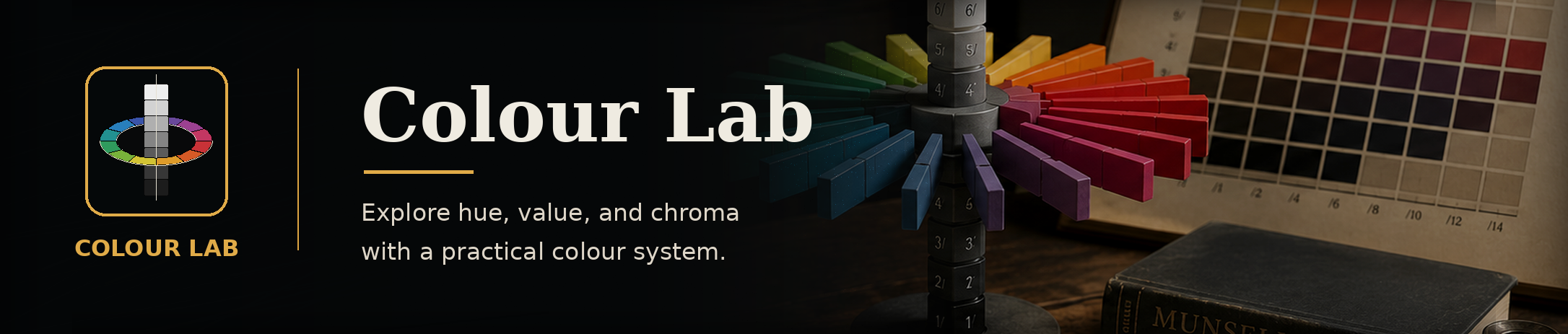
Rotate a 3D colour solid and isolate hue, value and chroma relationships.
5R 5/8
Colour Lab v0.8.7
Drag to rotate. Scroll to zoom. Click a colour chip to select it.
Key: V = Value, C = Chroma, H = Hue.
Drag to rotate. Scroll to zoom. Click a colour chip to select it.
Key: V = Value, C = Chroma, H = Hue.
Lab Instructions
- Explore the three dimensions of the Munsell colour system:
- Value - how light or dark a colour is, from black to white.
- Hue - the colour family, such as red, yellow, green, blue or violet.
- Chroma - the strength or intensity of the colour, from neutral grey to highly saturated colour.
- Use the Display toggles to show or hide the value, hue and chroma guides independently. This can make the selected colour and its position on the wheel easier to understand.
- Upload your reference image and click a colour within it. The sampled colour will be plotted on the three-dimensional Munsell colour wheel.
- Expand the Closest Artist Materials section and select the medium you intend to use, such as oil, acrylic, watercolour or coloured pencil.
- Review the suggested artist colours for that medium. Select a material colour to compare it with the colour sampled from your image.
- Examine where both colours sit on the wheel. Their positions will help you determine whether your material colour needs:
- A shift towards another hue.
- A lighter or darker value.
- More or less chroma.
- Use the comparison and mixing guidance to adjust your chosen material until it more closely matches the colour in your reference image.
Lab note: Colours, conversions and material matches are approximate and can vary by display, colour profile, lighting and source data. Do not use them for safety-critical or contractual colour approval. Read about Lab use and limitations
Teaching point Colour should be judged relationally. A swatch can appear warmer, cooler, lighter, darker, stronger or quieter depending on the colours surrounding it.
Explore the Colour Lab Preview
Try a selection of the Lab’s tools and exercises before unlocking complete access.
Lab access
Selected colour libraries and comparison controls.
Features
Some advanced features, exercises and references remain locked.
Updates
Preview access only.
Learning support
Independent preview; Academy lessons, exercises and forums are not included.
All Labs are also included with an active KN Creative Academy membership.