Free Preview
KN Creative Academy Lab Suite
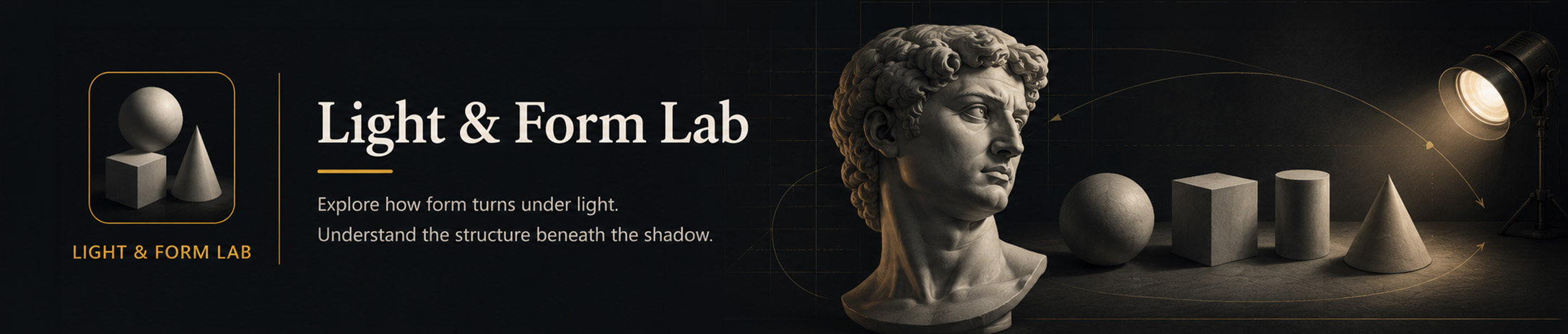
Light & Form Lab
Study how light turns across simple forms, casts, heads and anatomy references.
Loading model...
Lab Instructions
- Choose a form or cast that suits the structure you want to study.
- Rotate the object until the main planes and landmarks are easy to read.
- Move the primary light and observe the light, halftone, core shadow and reflected light.
- Try a preset or value-band view to simplify the lighting pattern.
- Export a reference once the pose and lighting clearly support your study.
Lab note: Lighting and 3D models are educational simulations and may contain modelling, scanning or rendering simplifications. Read about Lab use and limitations
Teaching point The form stays the same while the light description changes. Look for the underlying planes first, then observe how the lighting reveals or disguises them.
Explore the Light & Form Lab Preview
Try a selection of the Lab’s tools and exercises before unlocking complete access.
Lab access
Selected forms, casts and lighting controls.
Features
Some advanced features, exercises and references remain locked.
Updates
Preview access only.
Learning support
Independent preview; Academy lessons, exercises and forums are not included.
All Labs are also included with an active KN Creative Academy membership.